How to Use Semrush Position Tracking (2026)

How to Use Semrush Position Tracking (2026)

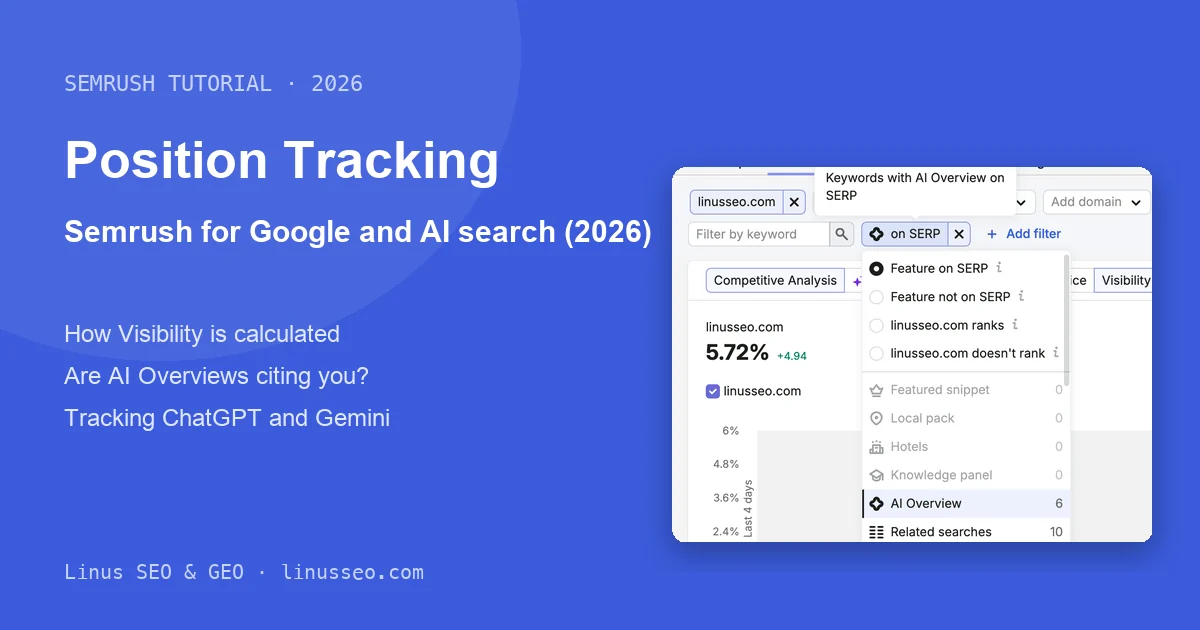
It is Monday morning and your boss asks where your core keywords rank this week. You search on your laptop and see position 5. A colleague in another city sees 9. Search Console says the average position is 8.3, and Semrush shows yet another number. None of these is wrong; each is measured under different conditions. Position Tracking checks the same keywords every day from a fixed location, device and time, so you can compare this week with last week and last month.

Read more
How to Use Semrush Site Audit: Technical & AI SEO (2026)

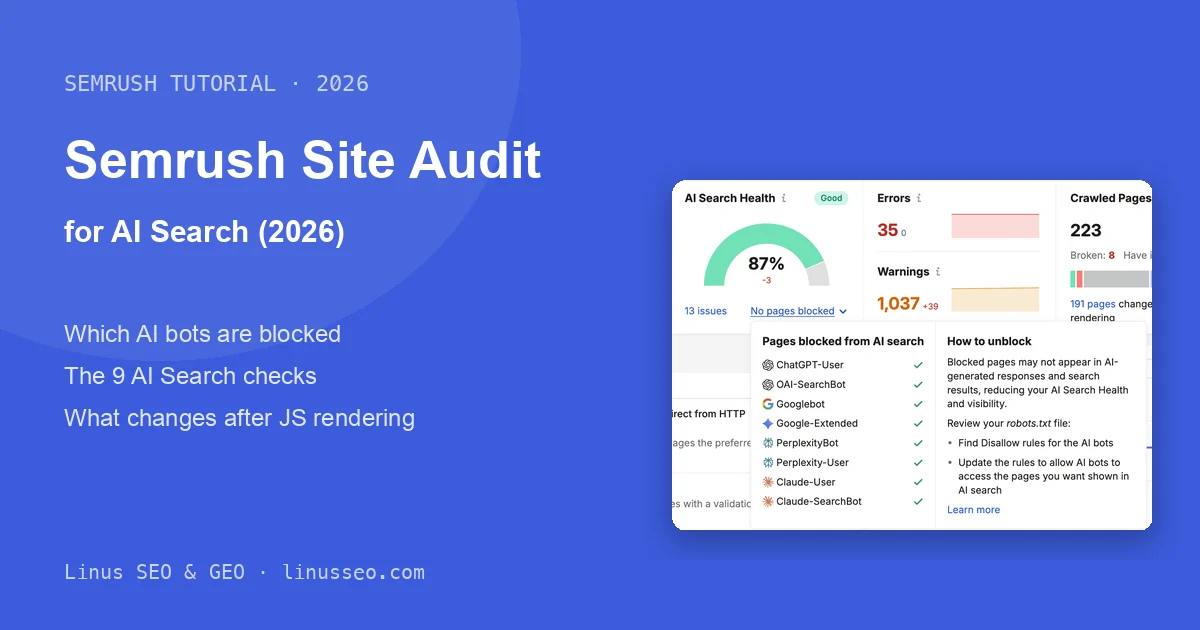
How to Use Semrush Site Audit: Technical & AI SEO (2026)

Your redesigned site has just gone live, or you have just taken over an online store. You run Semrush Site Audit and get back a health score, thousands of issues and a few dozen red “errors”. The hard part is deciding what to fix first, because fixing some of those errors achieves nothing.

Read more
How to Use Semrush for Keyword Research (2026)

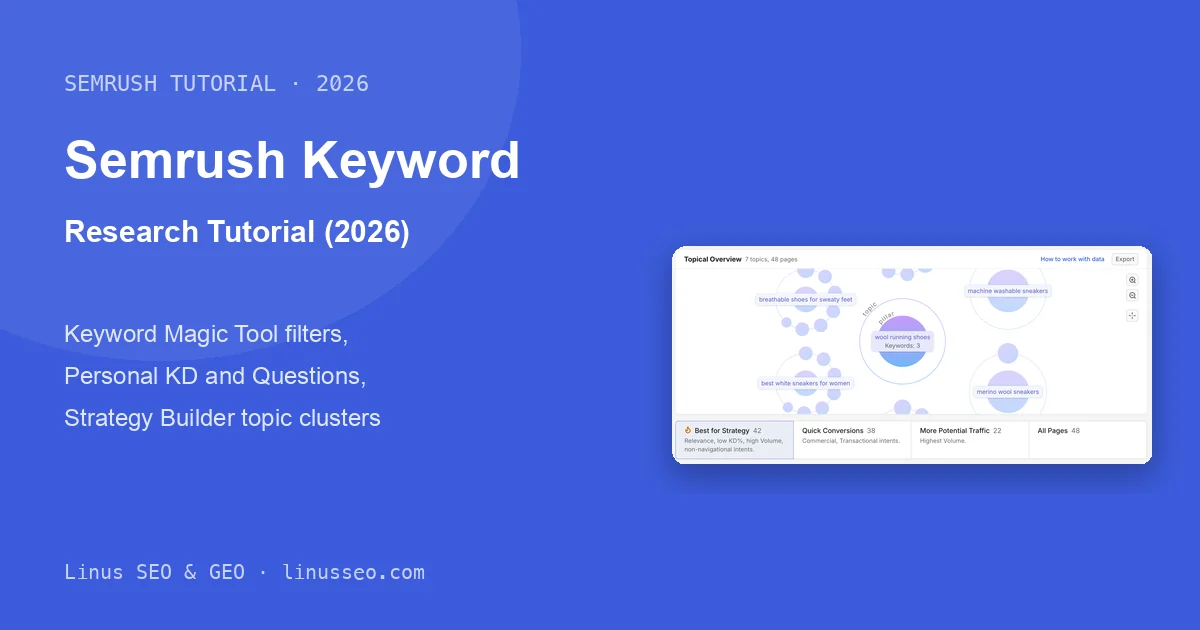
How to Use Semrush for Keyword Research (2026)

If you’ve done keyword research for an online store, you know the routine. You’re about to launch a new category, or want to rework the keywords for an existing one. You type one seed into the Keyword Magic Tool and get more than a hundred thousand results, with no clear idea which to keep. Once you’ve picked a batch, you still have to decide how many pages they need, and the list ends up parked in a spreadsheet.

Read more
Semrush Tutorial: The Complete Guide (2026)

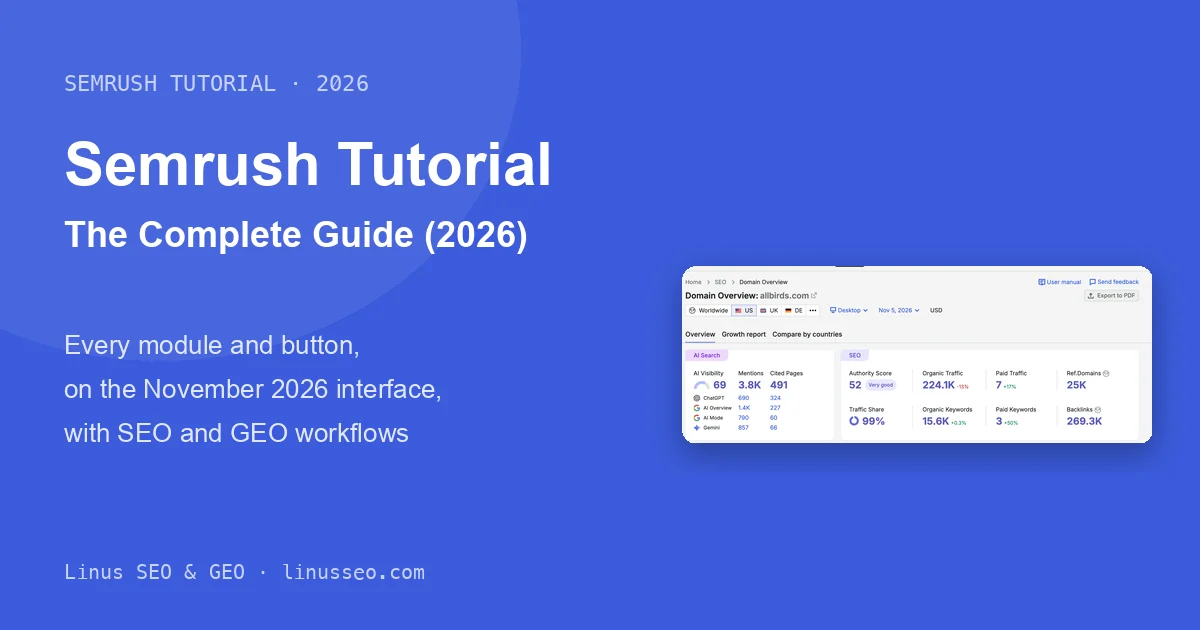
Semrush Tutorial: The Complete Guide (2026)

Your boss drops a competitor URL into your chat and asks where their traffic is coming from, or you open Semrush for the first time and stare at dozens of modules with no idea where to click. This guide walks you through the core tools you actually need for everyday SEO and GEO work, what each number tells you, and where the estimates need a reality check.

Read more
Connecting AI Coding Agents to Google Search: Claude Code, Codex, and DeepSeek Harness

Connecting AI Coding Agents to Google Search: Claude Code, Codex, and DeepSeek Harness

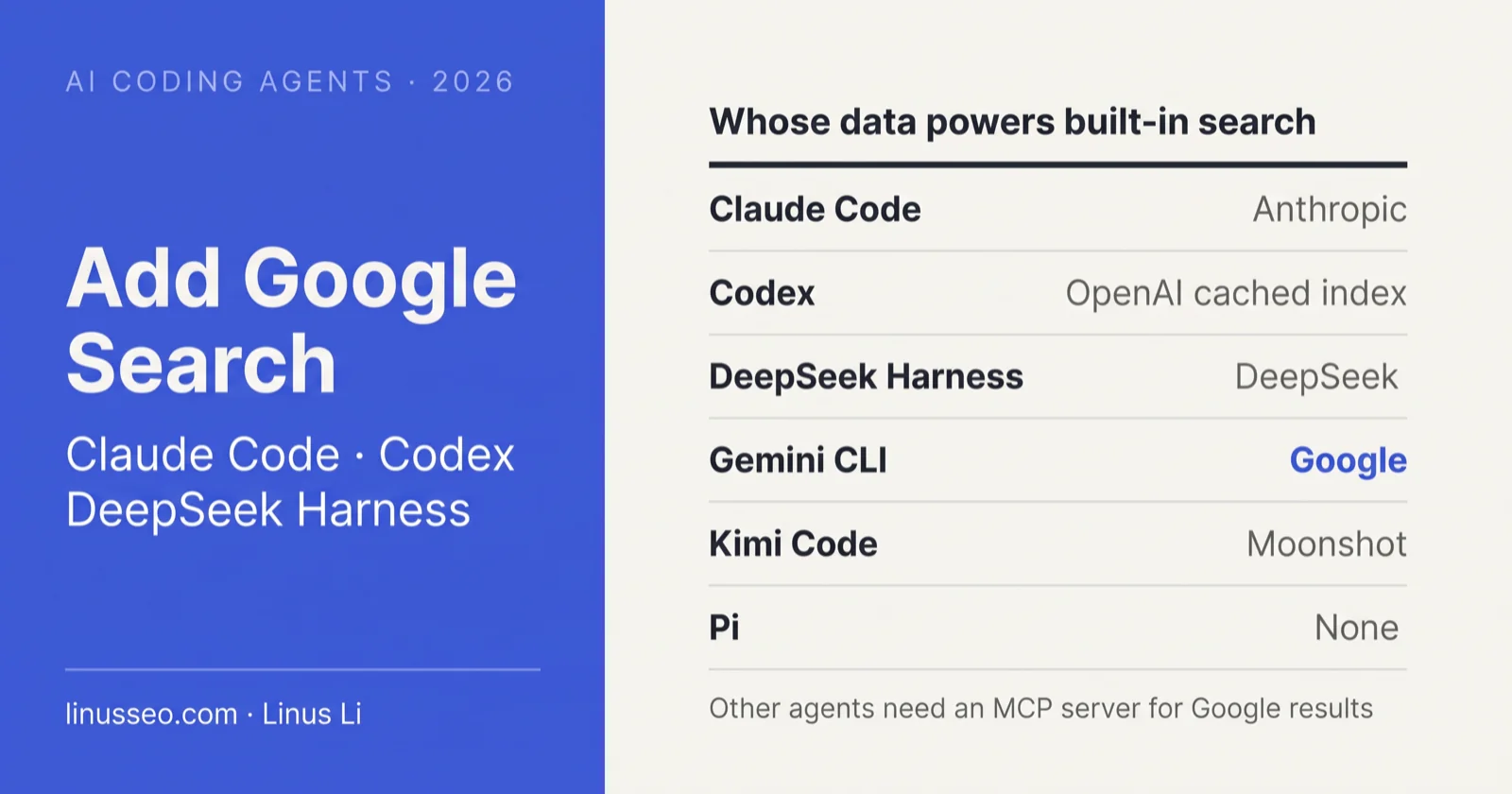
When you ask an AI inside Claude Code to “search the web,” it accesses the internet, but rarely retrieves actual Google search results. Codex, DeepSeek Harness, and Kimi Code operate similarly, each querying proprietary or partner search backends.

As of October 31, 2026, across the six common AI coding tools, only Gemini CLI uses Google search data out of the box. To retrieve real Google results in other tools, you must connect a Model Context Protocol (MCP) server or a dedicated plugin. The most direct setup is connecting SerpApi’s official remote MCP server, which requires a single terminal command in Claude Code and Codex.

Read more
Google Search API Alternatives: How to Get Google Search Results

Google Search API Alternatives: How to Get Google Search Results

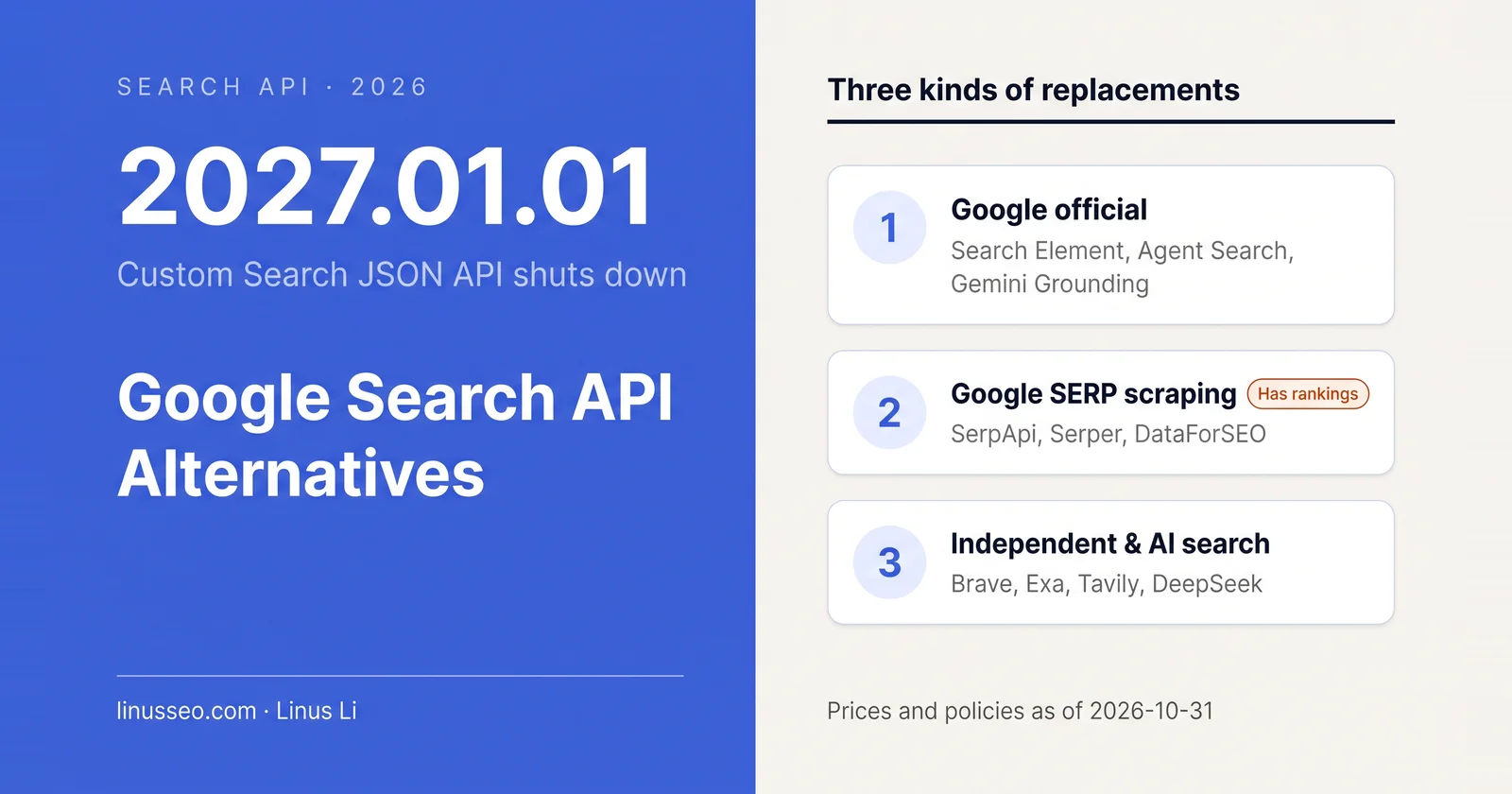
Years ago during my NeverSec days, I wrote a technical note explaining how to query Google’s Custom Search JSON API. That interface is now closed to new customers and will permanently shut down on January 1, 2027. Recently, developers building SEO tooling, scrapers, and AI applications have been asking the same question: once it shuts down, how do you continue retrieving Google search results?

As of October 31, 2026, Google offers no self-service official API that returns full-web search rankings. Many teams only realized after the deprecation notice that while it was named Custom Search, it was widely used as a lightweight SERP interface. Now that Google has closed that door, you face a single architectural fork: do you need real Google SERP rankings, or do you simply need usable web pages?

If you need the former (rank tracking, SERP feature monitoring, competitive share-of-voice), official grounding APIs cannot help. You must use third-party SERP scraping APIs. If you need the latter (AI agent web access, RAG retrieval), independent search indexes are cheaper, faster, and free of scraping-related legal risks.

If you just need to connect an API immediately, skip to the prompt in the next section.
Read more
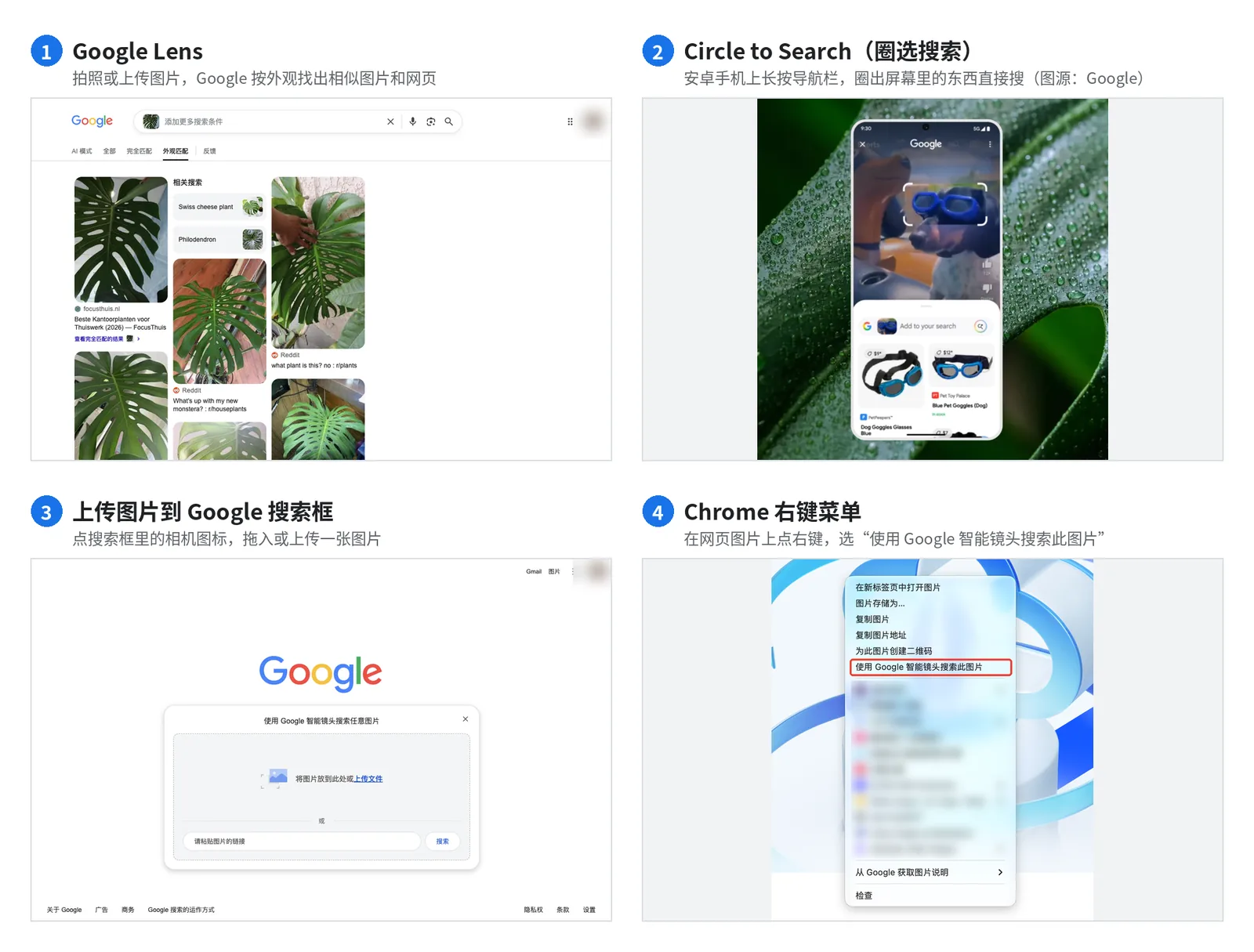
GSC Now Has "Web: Multimodal": No Queries, No API Access
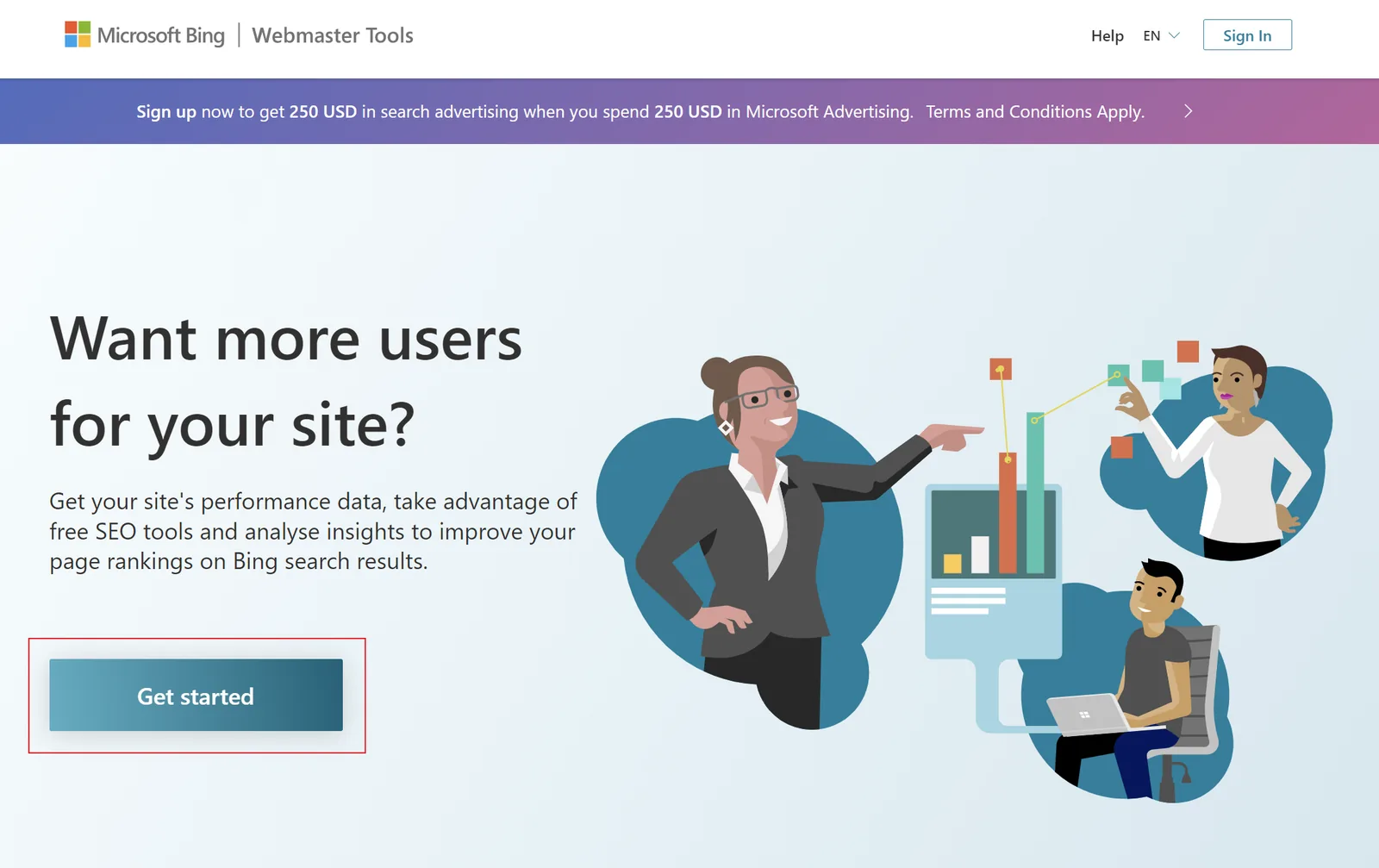
Start Bing SEO and Ads Now to Ride the ChatGPT Traffic Wave
Scan with WeChat to follow my official account (in Chinese)

Scan with WeChat to follow my official account (in Chinese)